
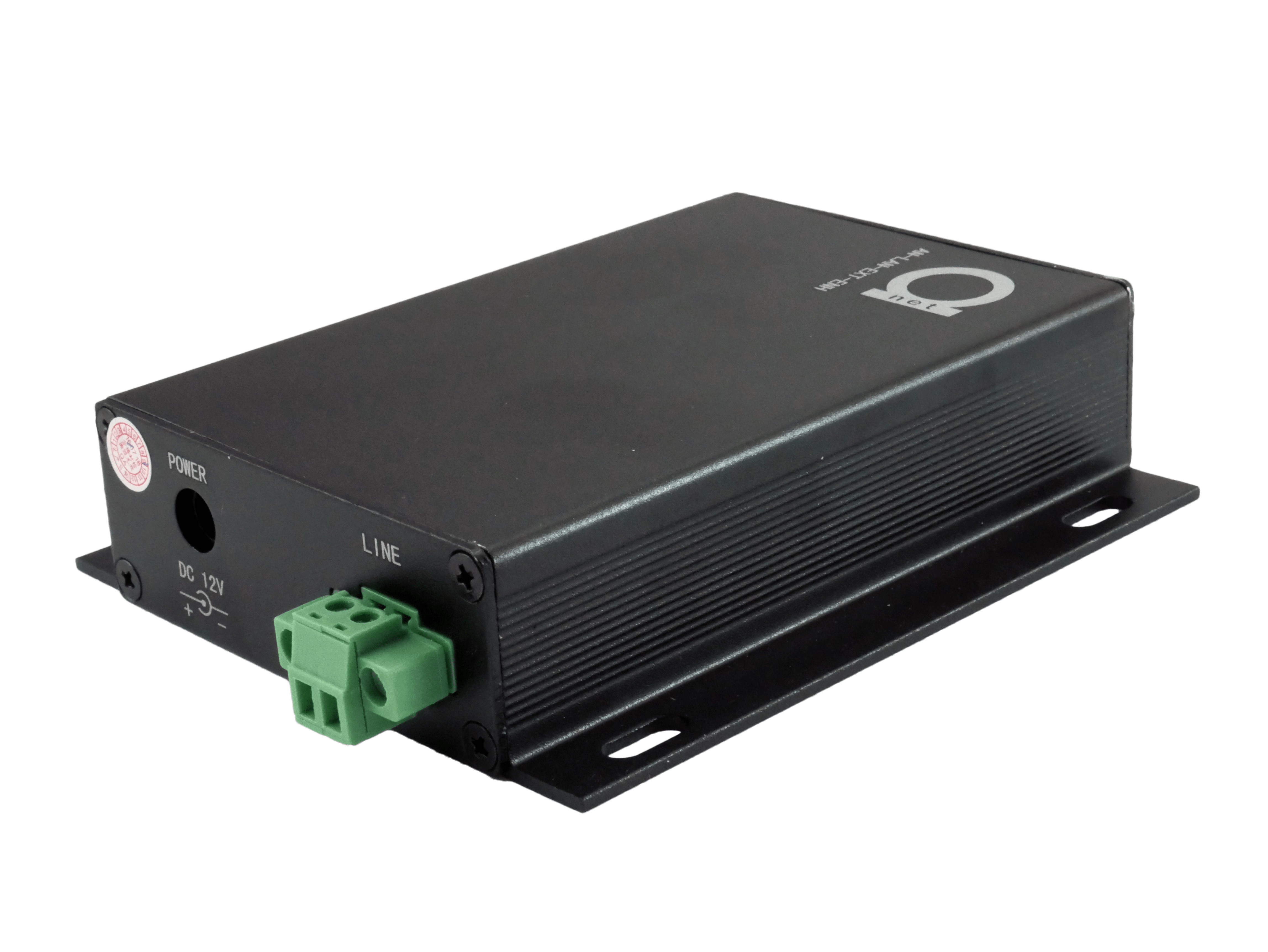
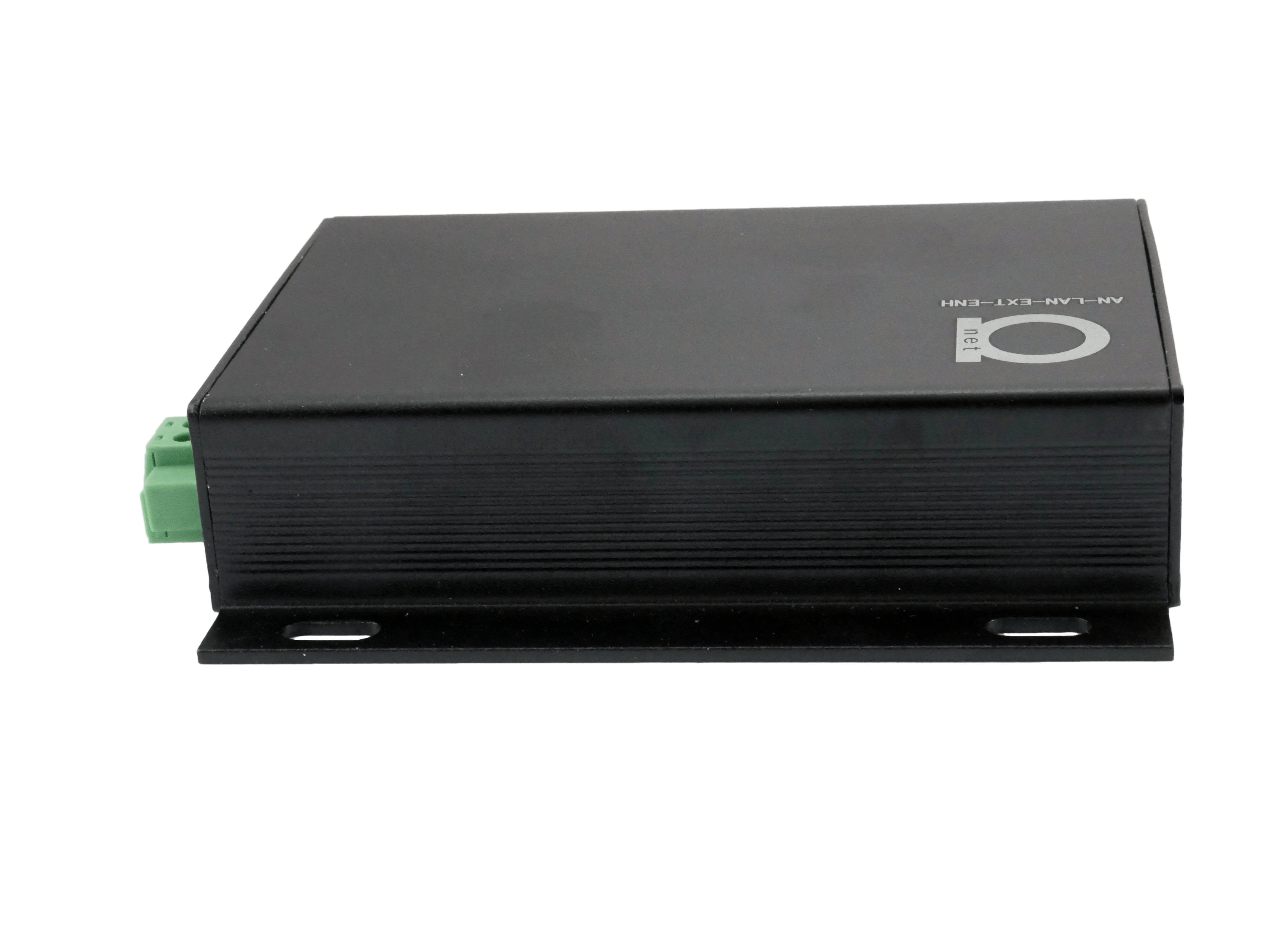
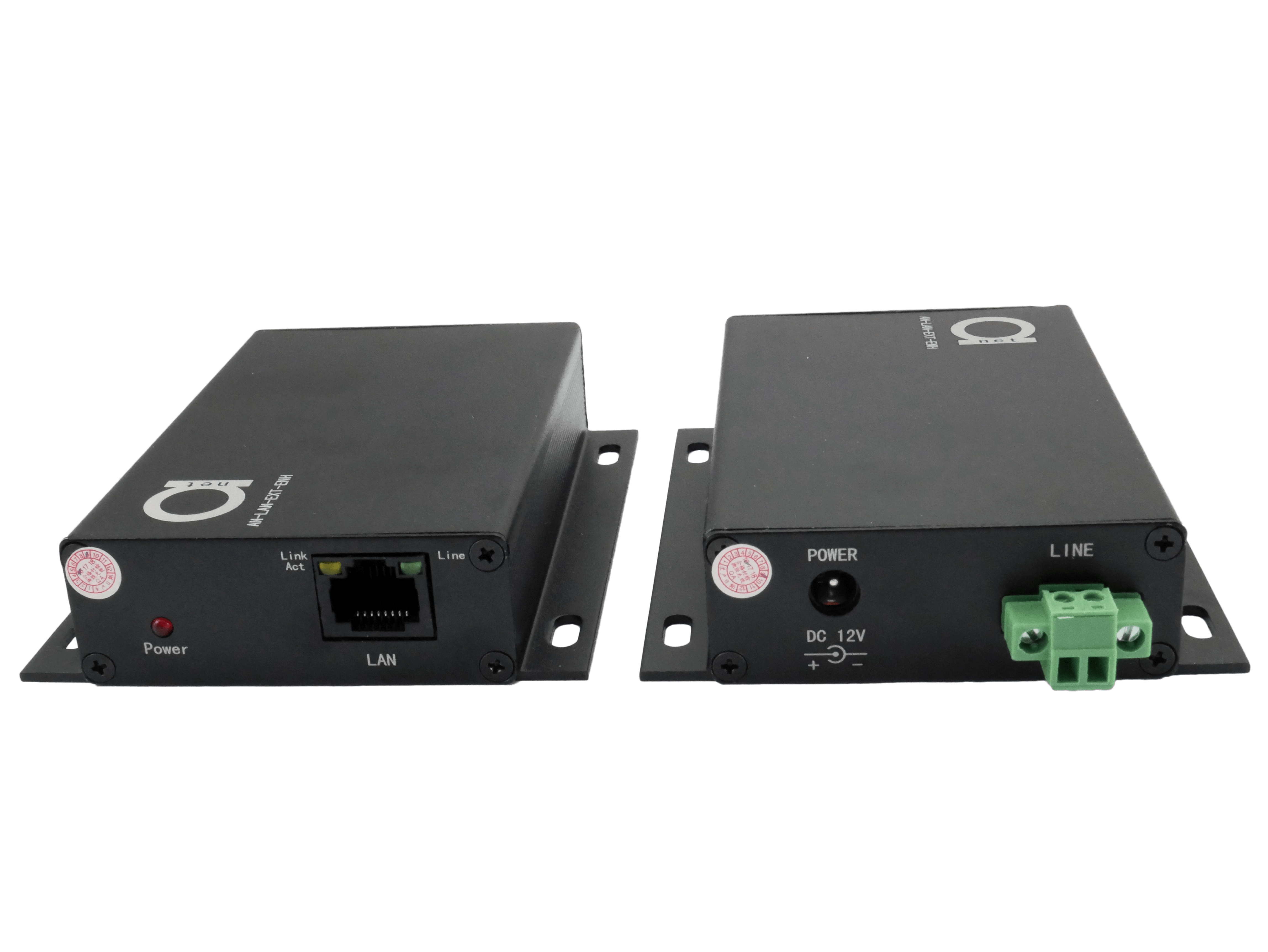
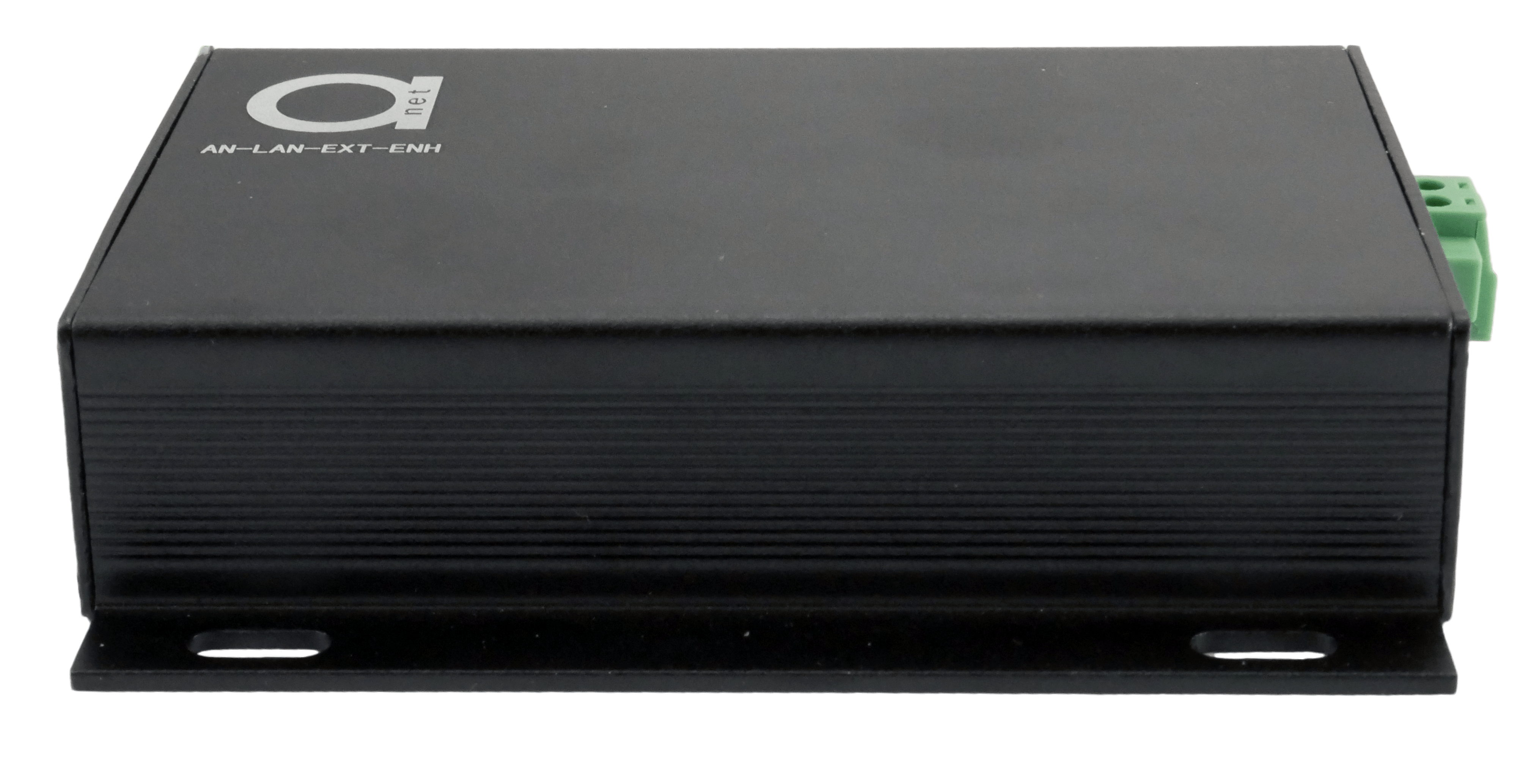
Enhanced High Speed Ethernet LAN extender
More speed, more power! Enhanced up to 500 Mbit/s raw data speed Ethernet LAN extender over twisted pair copper and coaxial cables
- Transmit 10/100 BaseT Full Duplex Ethernet up to 2000m over any 2-wire copper cable
- One AD-net master at the network-end can support multiple slaves and connected devices
- Different terminals to choose such as RJ45, RJ11, BNC, Two Pins terminals etc.
- Low power consumption, high performance error correction coding technology
- Built-in transient protection; Industrial temperature range
- LAN extender for IP camera traffic or LAN – it’s universal
- Easy configuration, plug and play
|
Category |
Description |
|
|
Power |
Available Voltage Range |
12VDC |
|
Power Consumption |
<1.5W |
|
|
Transmission / Rate |
Standard Compliance |
IEEE1901, IEEE802.3 |
|
Up down Agreement |
CSMA/CA |
|
|
Physical Bandwidth |
500Mbps |
|
|
Actual Throughput |
130Mbps |
|
|
Encryption Way |
128-bit AES Encryption |
|
|
Reliability |
MTBF |
>30000 hours |
|
Product Physical Characteristic |
Dimensions (L × W × H) |
108mm×84mm×24mm (including the terminal length)
|
|
Material |
Aluminum |
|
|
Net Weight |
0.24KG/Pair |
|
|
Operating Environment |
Working Temperature |
-20℃ ~ 65℃ |
|
Storage Temperature |
-20℃ ~ 70℃ |
|
|
Working Humidity |
20% ~ 85% |
|
|
Storage Humidity |
10% ~ 90% |
|
The above data for TCP throughput, is the measured data in the actual environment. The maximum physical layer data is 240Mbps. For coaxial cable transmission, performance is more stable, but it also affected by the cable and terminal matching methods. On 1000 meters cable, accessing eight nodes, the distance between two nodes is 100 meters apart; The above tests are all finished in the field test.
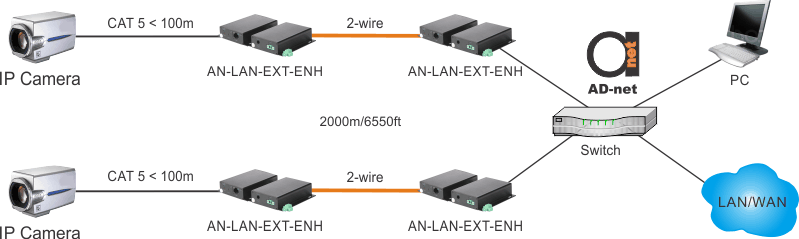
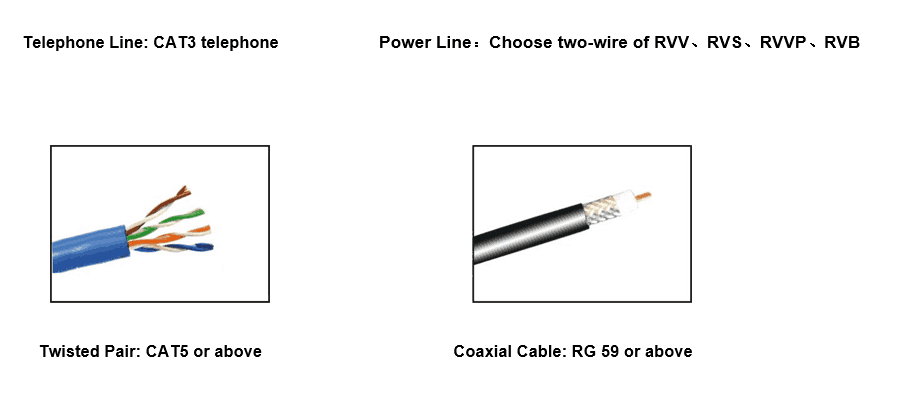
Accessories and possible cables to use:
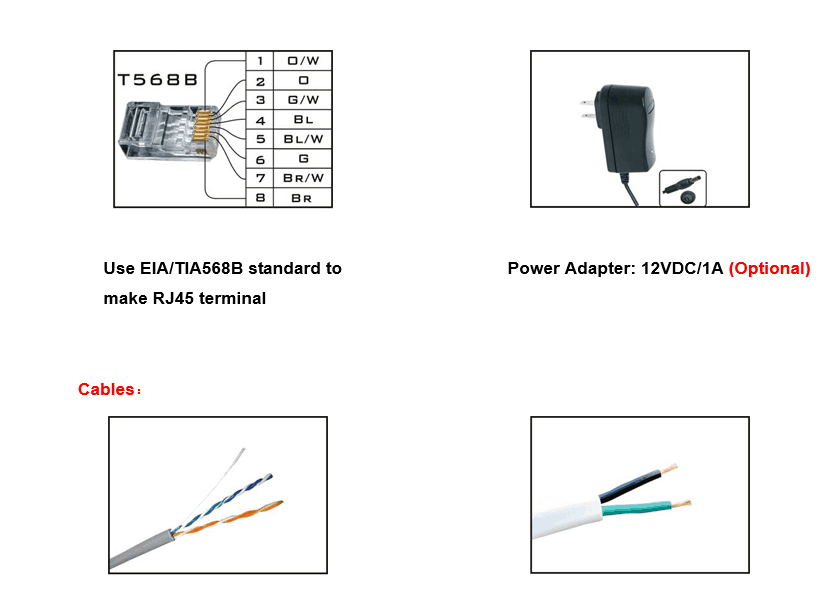
Video shows installation example of IP camera extended over UTP cable, however, every Ethernet device can be used, such as PC’s, LAN switches etc.
In this video below, we are looking at interesting way to use these extenders in Point-to-Multipoint way using Copper Splitter in middle, and more on that – we demonstrate that using IP SIP phones as an end CPE devices here. So, what happens here is that signal get’s really “passively” split over 2 (and can be more) copper cables, and central device works as master side, while remote device – as slave side. Please note, that not all versions of these LAN extenders support such PMP mode, please talk to your account manager to see which model you need to order if you want make Point – to – Multipoint type connection!
Now, below here again, we have copper UTP cable, IPPBX and remote phone which we need extend far beyond 100m of traditional ethernet distance limitations. Just if in above video we used Point to Multimode, here’s more traditional Point to Point setup.
Of course, instead of IP Phones, you can have any other Ethernet IP device, such as IP camera, PC, Wifi Router, etc.
| AN-LAN-EXT-ENH-240-RJ11A/B | Enhanced LAN extender for twisted pairs or telephone cables, RJ11 for line interface, RJ-45 for LAN port, included 12V power adapter. Raw data layer speed up to 240 Mbit/s |
|
| AN-LAN-EXT-ENH-500-RJ11A/B | Enhanced LAN extender for twisted pairs or telephone cables, RJ11 for line interface, RJ-45 for LAN port, included 12V power adapter. Raw data layer speed up to 500 Mbit/s |
|
| AN-LAN-EXT-ENH-240-RJ45A/B | Enhanced LAN extender for twisted pairs or telephone cables, RJ45 for line interface, RJ-45 for LAN port, included 12V power adapter. Raw data layer speed up to 240 Mbit/s |
|
| AN-LAN-EXT-ENH-500-RJ45A/B | Enhanced LAN extender for twisted pairs or telephone cables, RJ45 for line interface, RJ-45 for LAN port, included 12V power adapter. Raw data layer speed up to 500 Mbit/s |
|
| AN-LAN-EXT-ENH-240-PINA/B | Enhanced LAN extender for twisted pairs or telephone cables, 2 pin terminal for line interface, RJ-45 for LAN port, included 12V power adapter. Raw data layer speed up to 240 Mbit/s |
|
| AN-LAN-EXT-ENH-500-PINA/B | Enhanced LAN extender for twisted pairs or telephone cables, 2 pin terminal for line interface, RJ-45 for LAN port, included 12V power adapter. Raw data layer speed up to 500 Mbit/s |
|
| AN-LAN-EXT-ENH-240-BNCA/B | Enhanced LAN extender for twisted pairs or telephone cables, BNC connector for line interface, RJ-45 for LAN port, included 12V power adapter. Raw data layer speed up to 240 Mbit/s |
|
| AN-LAN-EXT-ENH-500-BNCA/B | Enhanced LAN extender for twisted pairs or telephone cables, BNC connector for line interface, RJ-45 for LAN port, included 12V power adapter. Raw data layer speed up to 500 Mbit/s |
Description
The AD-net model AN-LAN-EXT-ENH Ethernet over 2-wire LAN Extender is a compact media converter that allows 10/100 BaseT Ethernet to be transmitted using any 2-wire copper cables. These devices are often used in legacy installations where existing wire is re-used as part of an upgrade to IP devices. You can use one master at the network-end can support multiple slaves and connected devices.
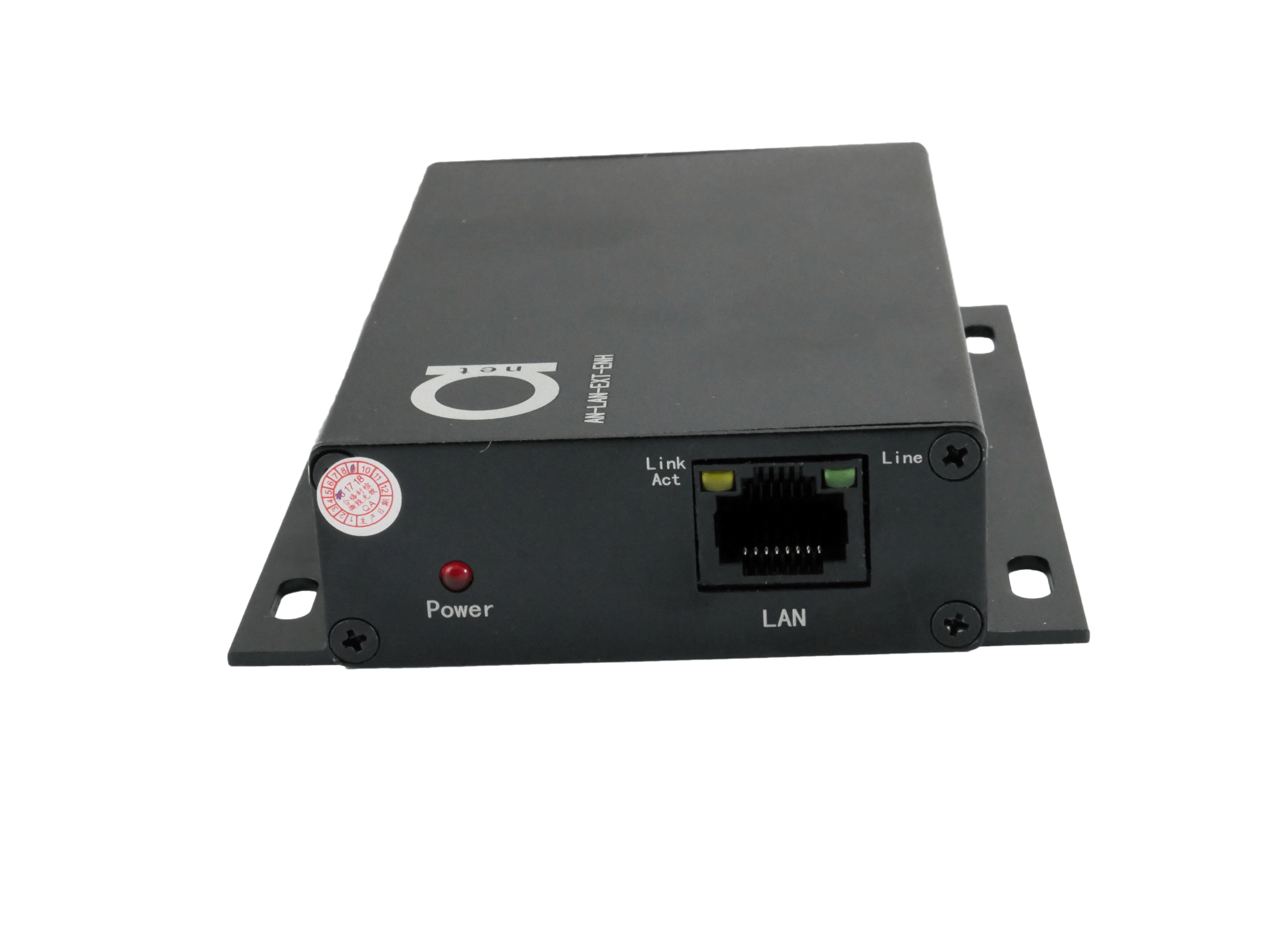
These LAN extenders are extremely simple to use and easy configuration. Status LEDs indicate power and link connectivity/activity for RJ45 and 2-wire ports. This product can be widely used for network extension system, network security system, network information publishing system, network renovation and expansion systems, railway, urban traffic, mining and telecommunication, etc.